It is the 28th and statements go out on the 1st. The worst version of this morning is printing 400 statements, mailing them, and then spending the following week on calls from patients whose insurance payment was sitting in a pile of unposted EOBs. The order of the work is the whole trick.
What should I check before running statements?
Four things, in this order. Each one removes statements that would have been wrong.
- Post every insurance payment on the desk. An EOB that is received and not posted produces a statement asking the patient for money insurance already paid. Finish the EOB pile first.
- Run the credit balance list. Accounts with a credit are not sent a statement, but they should be refunded or applied. A statement run is the natural time to clear them.
- Post the write-offs. On a PPO claim, the difference between your fee and the allowed amount is a write-off, posted as a credit adjustment (type C in the ledger). If it has not been posted, the patient’s statement shows the full fee. Check the claims that were paid this month and make sure each one carries its write-off.
- Look at the over 90 accounts. Decide now which get a statement, which get a call, and which go to a payment plan or a collections letter. A fourth statement to an account that ignored three is a stamp wasted.
Everything here lives in transactions_header: services as type S, patient payments as type A, insurance payments as type P, credit adjustments as type C, debit adjustments as type D. A statement is just that table summarised per responsible party.
How do I run the statement batch?
Statements are processed from the Activities menu in Eaglesoft, not from the Reports window.
The dialog asks for a set of choices.
| Option | What to set |
|---|---|
| Minimum balance | $10 or $25; printing and postage on a $4 balance costs more than you collect |
| Include accounts with insurance pending | Usually no, so patients are not billed for a portion insurance may still pay |
| Due date | 20 to 30 days out |
| Message | One line. “Your insurance has paid. The balance is yours.” reads better than a paragraph |
| Sort | By responsible party name for stuffing envelopes |
| Cycle or range | All, unless you bill by alphabet groups through the month |
Preview the batch before printing. The count at the bottom is what you will mail. Scan the preview for the first page of each of a dozen accounts and check that the balance makes sense against the ledger. If three in a row look wrong, stop and look at the insurance posting again.
A worked example
A practice with 2,000 active patients prepares statements on the 28th.
- 61 EOBs are on the desk. Posting them clears $18,400 in insurance payments and $6,100 in write-offs across 58 accounts.
- The credit balance list shows 14 accounts totalling $1,920 in credits. Nine are refunded, five are applied to pending treatment.
- The over 90 list shows 37 accounts totalling $11,300. 22 get a statement, 11 get a call this week, 4 go to a payment plan letter.
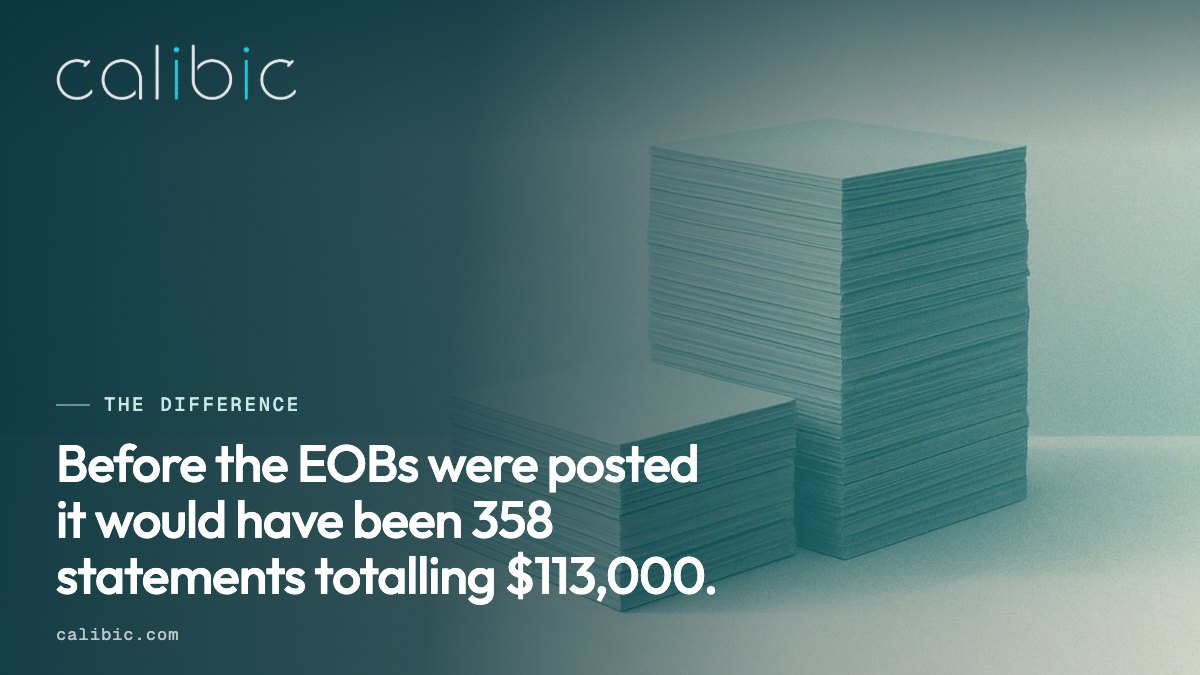
The statement batch with a $25 minimum and insurance pending excluded comes to 312 statements totalling $94,600. Before the EOBs were posted it would have been 358 statements totalling $113,000. That is 46 patients who would have called to say “my insurance already paid this”, and the morning spent answering them.
What should happen after they go out?
Note the date and the count. Two weeks after the mailing, run the aging report again and see how much of the 0 to 30 and 31 to 60 buckets moved. A statement run that moves less than it used to is the earliest sign that a message or a minimum needs changing.
What Calibic adds
Insurance, claims and AR is LIVE, and Eaglesoft coverage is partial. Calibic reads transactions_header and patient over a read-only connection and keeps the pre-statement checks on one screen: claims paid without a matching write-off, accounts with a credit balance, insurance payments posted today, and the aging buckets with the over 90 accounts listed. Protect flags a payment voided after posting, with the amount kept. Figures Calibic cannot yet read honestly on Eaglesoft show as not available, and the Coverage page says which.
Calibic does not print statements, post payments or write to Eaglesoft.
See the pre-statement view on the Insurance, claims and AR product page. The sibling guide on Eaglesoft reports covers the aging report that follows every statement run, and the Eaglesoft integration page lists what Calibic reads.