
Hygiene has three open slots tomorrow and the recall list has 127 names on it. Both facts are true at the same time, which is the whole recall problem in one sentence.
This page gives you the formula, a worked example, where the inputs live in your software, and what actually moves the number. It does not give you a benchmark percentage, because we have not found a public, dated source for dental recall rates that we would stand behind. Consultants quote figures freely; ask them for the source and the year.
What is the formula?
Recall rate = patients seen for a recall visit in the period divided by patients who were due for a recall visit in the period.
Two things to decide before you calculate:
- The period. Twelve months is the useful one, because six-month recalls give every patient two chances to appear.
- Who counts as due. Active patients (seen in the last 18 to 24 months) with a recall type set. Exclude patients marked inactive, deceased or transferred, or the denominator fills with people who were never coming back.
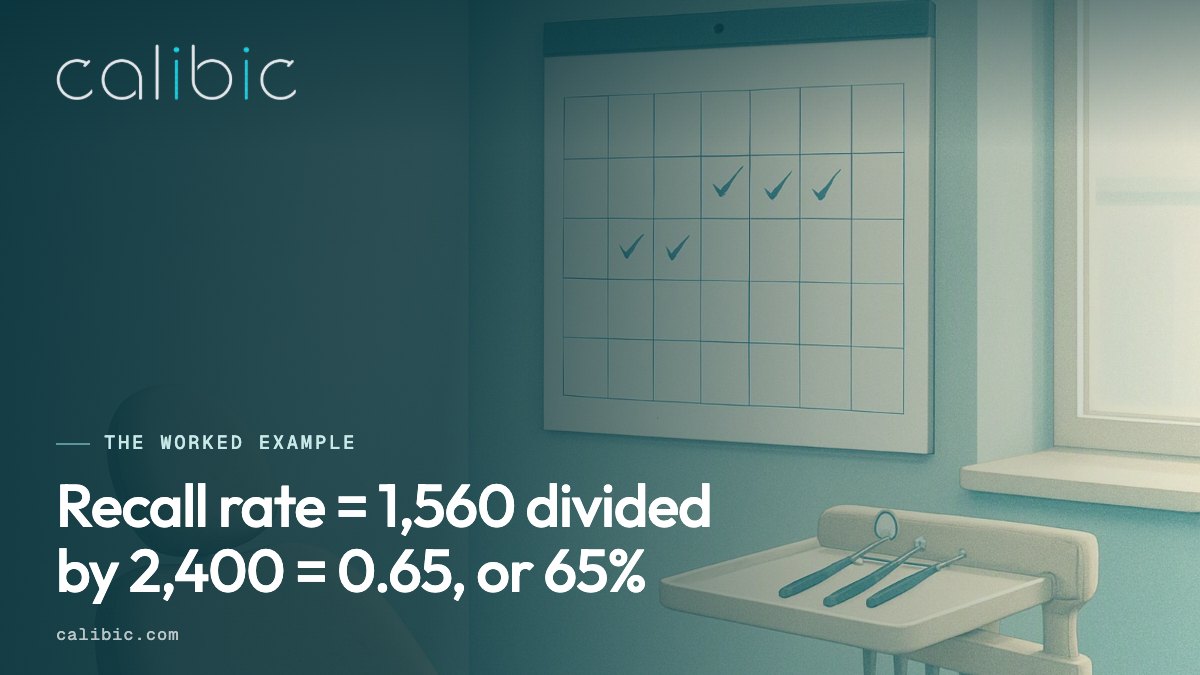
A worked example. On 1 October 2025 the practice had 2,400 active patients with a recall type. Over the following twelve months, 1,560 of them completed at least one hygiene visit. Recall rate = 1,560 divided by 2,400 = 0.65, or 65%. The other 840 are the reactivation list.
A second cut that is more useful day to day: of patients due in a given month, how many booked within 60 days of their due date? That tells you whether the recall system is working, rather than whether the practice has loyal patients.
Where do the inputs live?
- Open Dental. The Recall list (Reports menu, then Recall) shows patients due by date range with their recall type and last visit. Due dates come from each patient’s recall record and interval.
- Dentrix. The Continuing Care module, opened from the Appointment Book, lists patients by type and due date, with an “appointment attached” flag. Practice Advisor also reports a continuing care figure.
- Eaglesoft. The Recall report under Reports, filtered by recall type and due date range.
For the completed visits, run production by procedure code for the period and count distinct patients with a prophy or periodontal maintenance code (D1110, D1120, D4910).
Why do published benchmarks vary so much?
Because the denominator is never the same. One practice counts everyone with a chart. Another counts only patients seen in the last 18 months. A third counts “due” from the recall date and a fourth from the last visit plus six months. The same office can calculate anything from 45% to 85% depending on the choice. Fix your own definition, write it down, and compare yourself to yourself month over month.
What moves the number?
- Pre-booking before the patient leaves. The single biggest lever. Track the share of hygiene patients who leave with the next appointment on the book. Each one who does not is a recall call six months from now.
- Recall dates that are actually set. Run the list of active patients with no recall type or no due date. In most offices it is longer than expected.
- Working the list by likelihood, not alphabetically. Patients with insurance benefits remaining, a recent visit and a phone number that answers are more likely to say yes than patients three years out.
- Open hygiene time that matches when patients call. If the list is full of people who want 7:30 AM and hygiene starts at 8:30, the calls fail. The no-show page covers the other half of this: the patients who booked and did not come.
What Calibic adds
Smart Recall is LIVE. Calibic reads recall records, appointments and benefits from Open Dental, Dentrix and Eaglesoft (read-only, it never changes a record) and produces a ranked list of overdue patients with a likelihood score, so the front desk calls the most likely first. It counts a patient as recovered only when the practice software shows the visit booked, completed and paid; everything before that is a patient found. Texting and campaigns are coming; today nothing from Calibic reaches a patient, the list is for your team.
Next step: put your own figures into the reactivation revenue calculator.