Your front desk has two people. One of them opens the mail, posts the insurance checks, runs end of day and takes the deposit to the bank. The other one answers the phone. That arrangement is normal in a small practice, and it is the arrangement every embezzlement case starts with.
Prevention is not about trusting people less. It is about building a routine where nobody has to be trusted with a whole money path on their own, and where checking is boring and expected.
What is the best way to prevent employee theft?
Separate the jobs. The ACFE Report to the Nations (2024) found that the most common ways frauds were detected were tips and management review, and that organisations with more anti-fraud controls in place had smaller losses and shorter schemes. The specific control that matters most in a dental office is that the person who posts money is not the person who banks it.
For a two-person front desk:
| Task | Person A | Person B | Owner |
|---|---|---|---|
| Open mail, log checks on a sheet | Yes | ||
| Post payments in the PMS | Yes | ||
| Run end of day, print day sheet | Yes | ||
| Prepare and take the deposit | Yes | ||
| Compare day sheet to deposit slip | Weekly | ||
| Review adjustments by user | Weekly |
If you have one person at the desk, the owner or an associate takes the deposit and the weekly review. That is the minimum.
What does daily reconciliation look like?
It takes about ten minutes once it is a habit.
- Print the day sheet. In Dentrix it is Office Manager, Reports, Management, Day Sheet. In Open Dental it is the Daily report under Reports. In Eaglesoft it is the End of Day processing report.
- Total the payments by type: cash, check, card, insurance.
- Compare each total to the physical deposit: cash counted, checks listed, card batch settlement report.
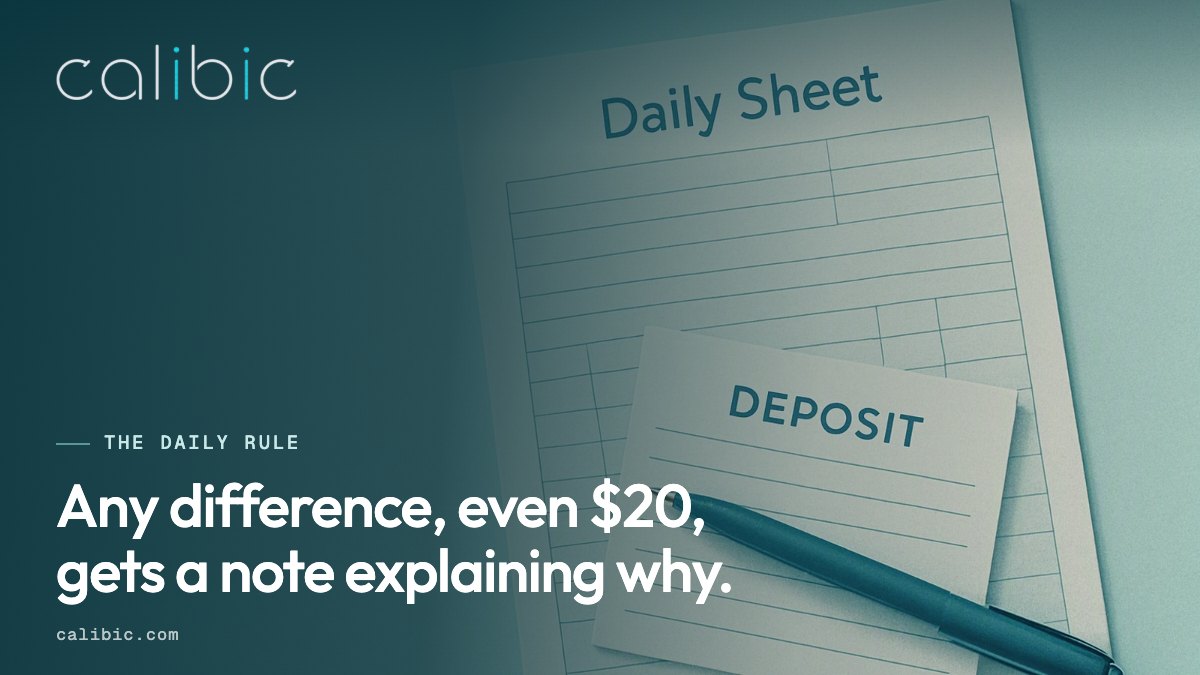
- Write the three figures on the day sheet and initial it. Any difference, even $20, gets a note explaining why.
- The next morning the bank balance should move by the deposit amount. The owner checks this on the bank app in under a minute.
A worked example. Day sheet says $4,860 in payments: $310 cash, $1,250 checks, $1,800 card, $1,500 insurance EFT. Deposit slip says $1,560 ($310 cash, $1,250 checks). Card settlement says $1,800. Bank shows an EFT of $1,500. Everything matches, initial and file. If the deposit slip had said $1,250 with no cash, the $310 is the question for today, not for next quarter.
Which reports should the owner look at every week?
- Adjustments by user. Every adjustment type, every user, for the week. Ask about anything that is not a contractual PPO write-off and is over a threshold you choose, say $50.
- Deleted and edited payments. Open Dental: Tools, Audit Trail, filter by permission type. Dentrix: Office Manager, Reports, Ledger, Audit Trail Reports. Eaglesoft: Utilities, Audit.
- Payments by type, trailing twelve months. Watch the cash share.
- Accounts with a credit balance or a refund. Refunds are a quiet way out of the building.
The deleted payments page goes into how each system records a deletion and what thresholds are useful.
What should the audit trail be able to do?
An audit trail only prevents anything if the people who could steal cannot also edit or disable it. Three questions:
- Can a front desk user turn off logging? In Open Dental, security log settings sit under the owner’s permissions; keep them there.
- Does the log record who, when, which patient, and from which workstation? Open Dental’s
securitylogdoes. Dentrix’s appointment history (admin.appthist) records a user, but its payment and adjustment views do not. - Is there a copy outside the office? If the only log lives on the server the bookkeeper administers, it is not independent.
The audit trail page lists the fields a useful log keeps.
How do you make checking normal rather than insulting?
Tell the team on day one, in writing, that reconciliation and review happen every day and every week, for everyone, including the owner’s own entries. Honest staff tend to welcome it, because the same records that catch a theft also clear a person when a patient claims they paid cash and did not.
Other habits that cost nothing:
- Require a real vacation of at least one week a year, with someone else running the desk.
- Have bank and card statements sent to the owner’s home address or a private email.
- Do not share log-ins. One user name per person, every time.
- Review user permissions twice a year and remove anything a role does not need.
What Calibic adds
Protect is LIVE. It keeps a separate, read-only record of payment and adjustment changes from Open Dental, Dentrix and Eaglesoft, held outside the practice, with the before and after values. It flags a small number of changes that fit a known pattern (a completed payment deleted, a courtesy adjustment on a paid account, an entry at an odd hour) and shows the evidence. It does not write to the software and it does not accuse anyone. Where a system does not record the person, such as Dentrix payments, Calibic says the change is observable but not attributable.
Next step: the Protect product page shows what an alert looks like.